PromptDrip
PromptDrip 8K AI PROMPT VAULT
PROMPT DETAIL

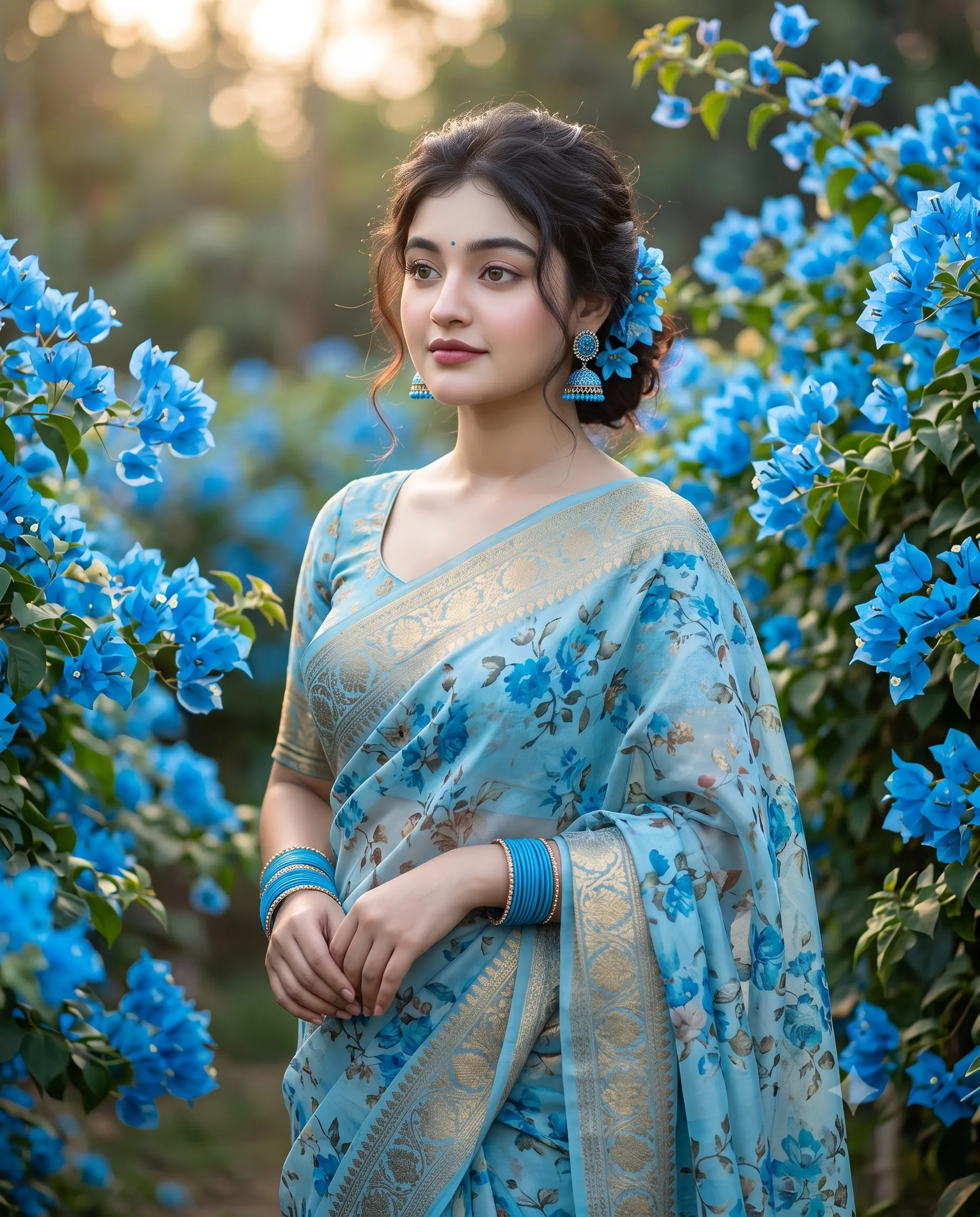
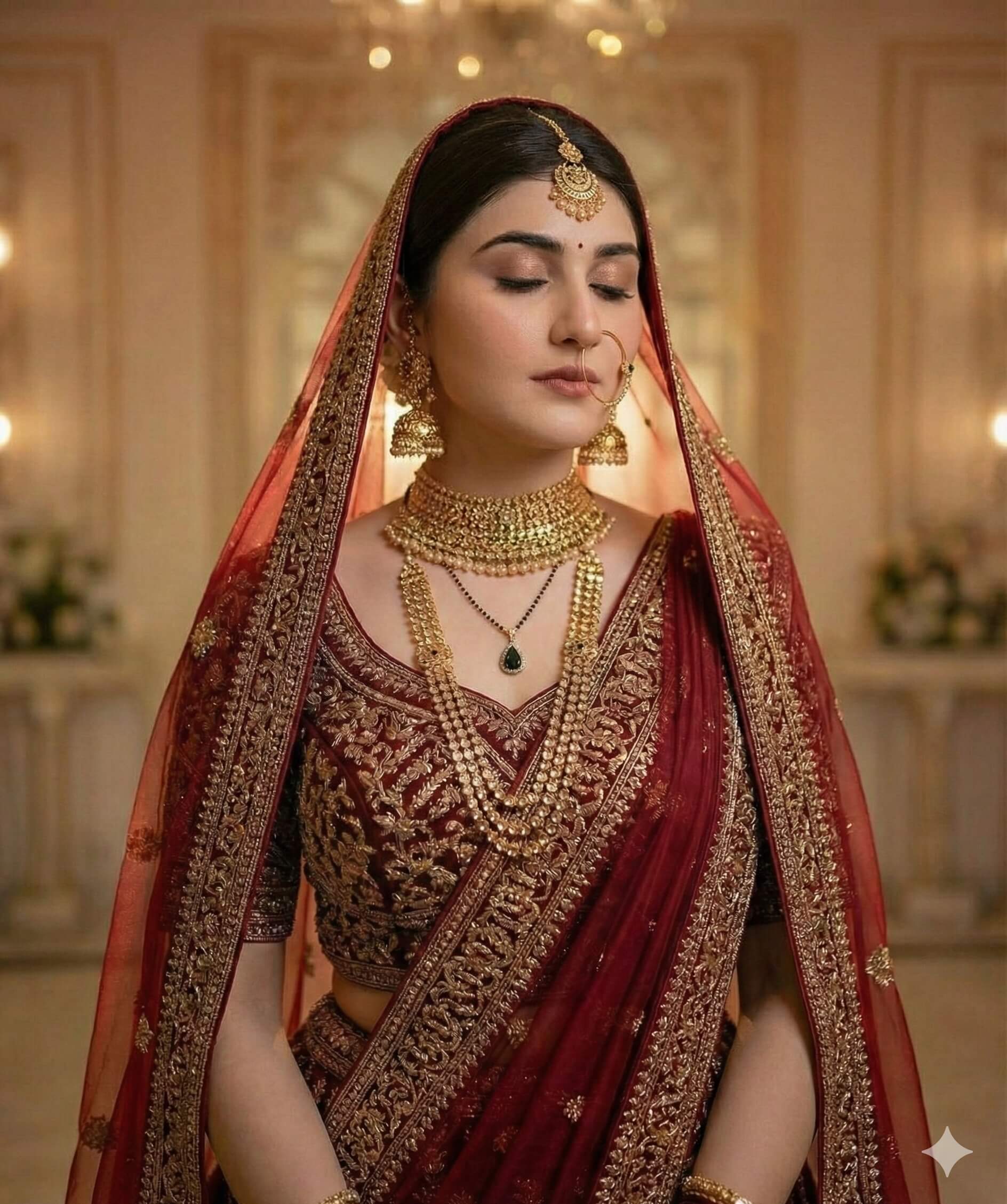
Crimson Red Saree Serenity Indian Woman Portrait

Shared by @PromptDrip • Sep 21, 2026

PROMPT

Optimized for Gemini

Use the uploaded image ONLY for strictly face and identity reference. Preserve exact facial structure, proportions, skin tone, and facial details—no beautification or alteration. Create an ultra-realistic soft vintage-style studio portrait of a young woman seated on a simple round wooden stool. She is wearing a plain deep crimson red saree with a warm undertone (slightly orange-based red, NOT pink, NOT maroon, NOT dull), matte silk finish, no patterns, no embroidery. Her long dark hair is naturally wavy, center-parted, with white jasmine flowers tucked behind her ear. She wears gold jhumka earrings, a small nose stud, and a subtle red bindi. Pose & Expression: Relaxed seated posture, body slightly angled. One hand touching her earring, the other resting on her lap. Head turned right, gaze off-frame, calm neutral expression. Framing & Composition: Medium shot, slightly wider than waist-up. Subject placed slightly left of center with negative space on the right. Stool partially visible. ⚠️ LIGHTING & COLOR (STRICT — DO NOT IGNORE) Single soft directional warm light from the right side (key light). No flat lighting, no even illumination. Color temperature: ~4800K warm neutral White balance locked — no cool cast. Skin tone: natural Wall color: warm creamy beige (slight yellow tone, NOT grey, NOT textured heavily) Saree color: deep rich crimson with warm depth, no desaturation, no pink shift Contrast: soft but defined (no haze, no milky fade) Shadows: gentle but visible for depth (not flat) Background: Plain warm beige wall, smooth, minimal texture, evenly lit but slightly darker on right side due to light falloff. Depth & Quality: Shallow depth of field, sharp focus on face, natural textures, no HDR, no matte wash, no faded film look. Aspect ratio 4:5.

ChatGPT Gemini

How to Use This Prompt

Quick 3-step guide to generate or edit your AI photo

1

Copy Prompt

Click the orange Copy button above to copy the prompt text.

2

Open AI Tool

Open Gemini or ChatGPT using the 1-click buttons.

3

Paste & Generate

Paste the prompt, attach your photo (optional), and hit send to get your 8K photo!

💡 Pro Tip: Attach your reference portrait photo with the prompt in Gemini or ChatGPT to generate this exact aesthetic with your own face!

Community Rating

4.6
28 Ratings
5
21
4
5
3
1
2
1
1
0

Rate this prompt

Model or Tool

Gemini

You might also like

8K AI Prompt copied to clipboard!