PromptDrip
PromptDrip 8K AI PROMPT VAULT
PROMPT DETAIL

The Lavender Lens Digital Art

Shared by @PromptDrip • Sep 21, 2026

PROMPT

Optimized for Gemini

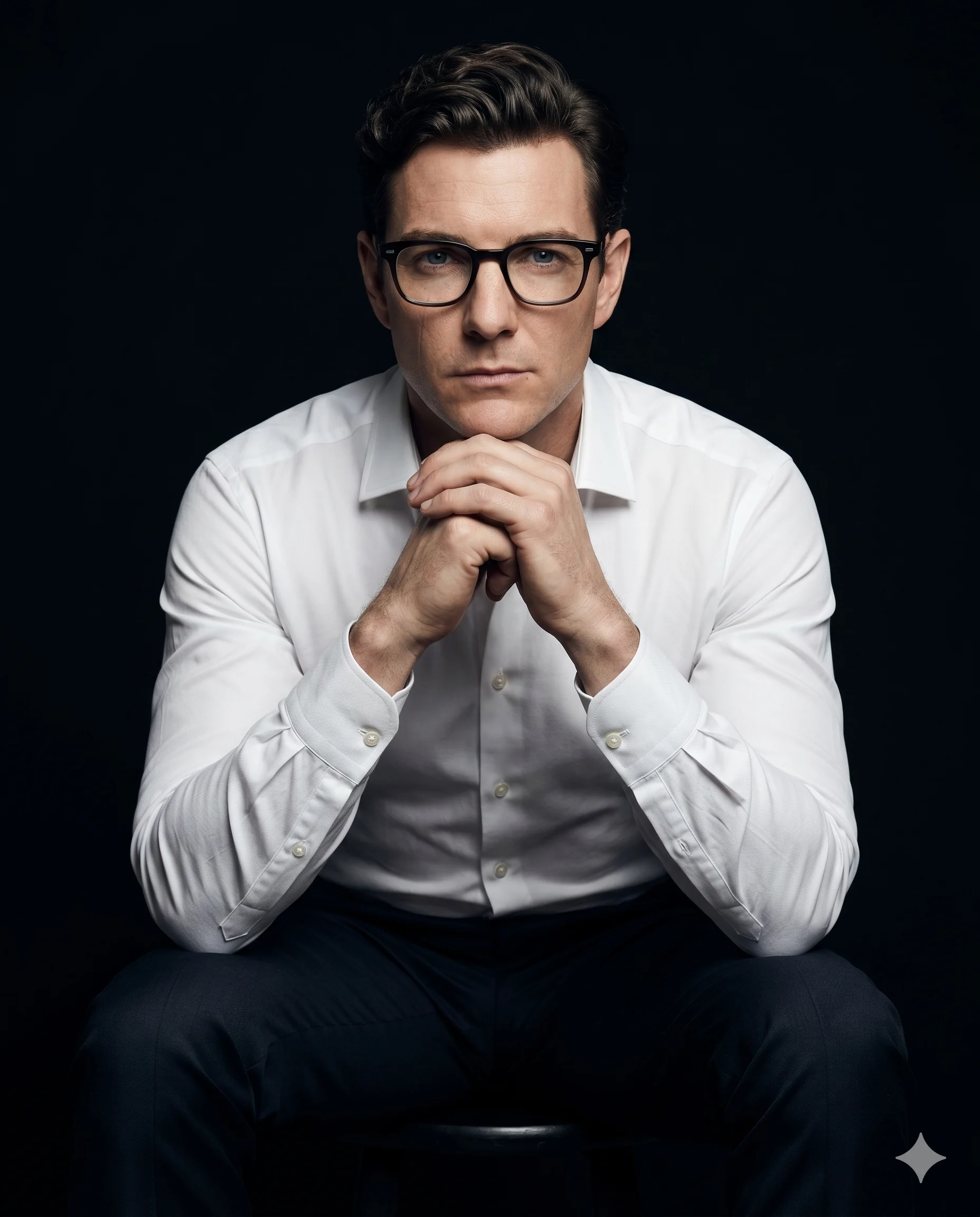
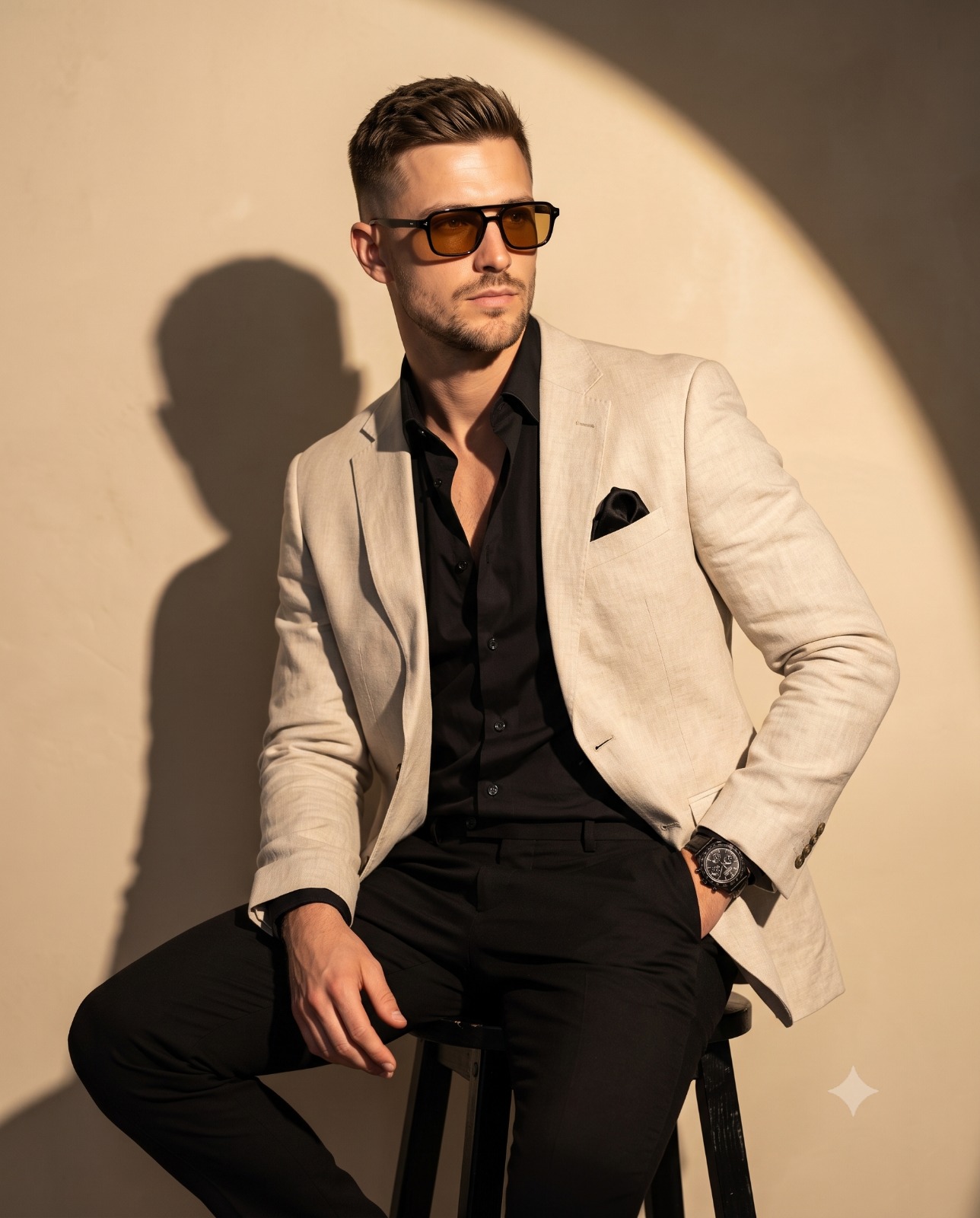
Use the uploaded image as the ONLY facial and identity reference. The subject must look exactly like the person in the reference image—preserve identity, proportions, skin tone, and all facial features. Do not alter, beautify, or replace any facial details. Create a high-key, ultra-detailed watercolor-style portrait of the subject in a vertical 4:5 composition. The framing is a close-up (head and upper neck visible). Pose & Direction: Subject is shown in a slight side profile (around 20–30° turn) on center, not facing directly toward the camera. Slightly head up. The gaze is directed off-camera, creating a natural, thoughtful, and editorial feel. Expression: Soft, calm, and neutral with a subtle emotional depth (not exaggerated). Eyewear (Stylized Element): Slightly oversized, rounded glasses with a subtle cat-eye shape. Frames are translucent with a smooth gradient transition (warm tone on one side blending into cool tone on the other). Include realistic lens reflections and light refraction. Hair (Flexible but Controlled): Soft, slightly messy hairstyle with natural strands falling around the face. Hair should partially blend into the watercolor background with fine wisps crossing the face for realism. Watercolor Style & Technique: Blend photorealistic facial rendering with fluid watercolor effects Soft wet-on-wet color bleeding in background (purples, pinks, indigo, subtle warm tones) Sharp wet-on-dry detailing for eyes, lips, and glasses Smooth “lost and found” edges (jawline and neck fading into background) Background & Composition: Minimal, abstract watercolor wash with strong white negative space. Colors softly diffuse outward with no hard edges. Background should enhance subject focus, not distract. Lighting: Soft, diffused, high-key lighting from front-above. No harsh shadows. Maintain bright, airy, premium artistic feel. Style Keywords: watercolor realism, soft gradients, high-key portrait, ethereal, fluid paint blending, premium illustration, minimal background, artistic fade edges

ChatGPT Gemini

How to Use This Prompt

Quick 3-step guide to generate or edit your AI photo

1

Copy Prompt

Click the orange Copy button above to copy the prompt text.

2

Open AI Tool

Open Gemini or ChatGPT using the 1-click buttons.

3

Paste & Generate

Paste the prompt, attach your photo (optional), and hit send to get your 8K photo!

💡 Pro Tip: Attach your reference portrait photo with the prompt in Gemini or ChatGPT to generate this exact aesthetic with your own face!

Community Rating

4.7
29 Ratings
5
23
4
4
3
1
2
1
1
0

Rate this prompt

Model or Tool

Gemini

You might also like

8K AI Prompt copied to clipboard!